Opens in one tap like an app, works with no signal. Takes 10 seconds.
Other phones and computers
Fuel and charging tracker
What does your car really cost?
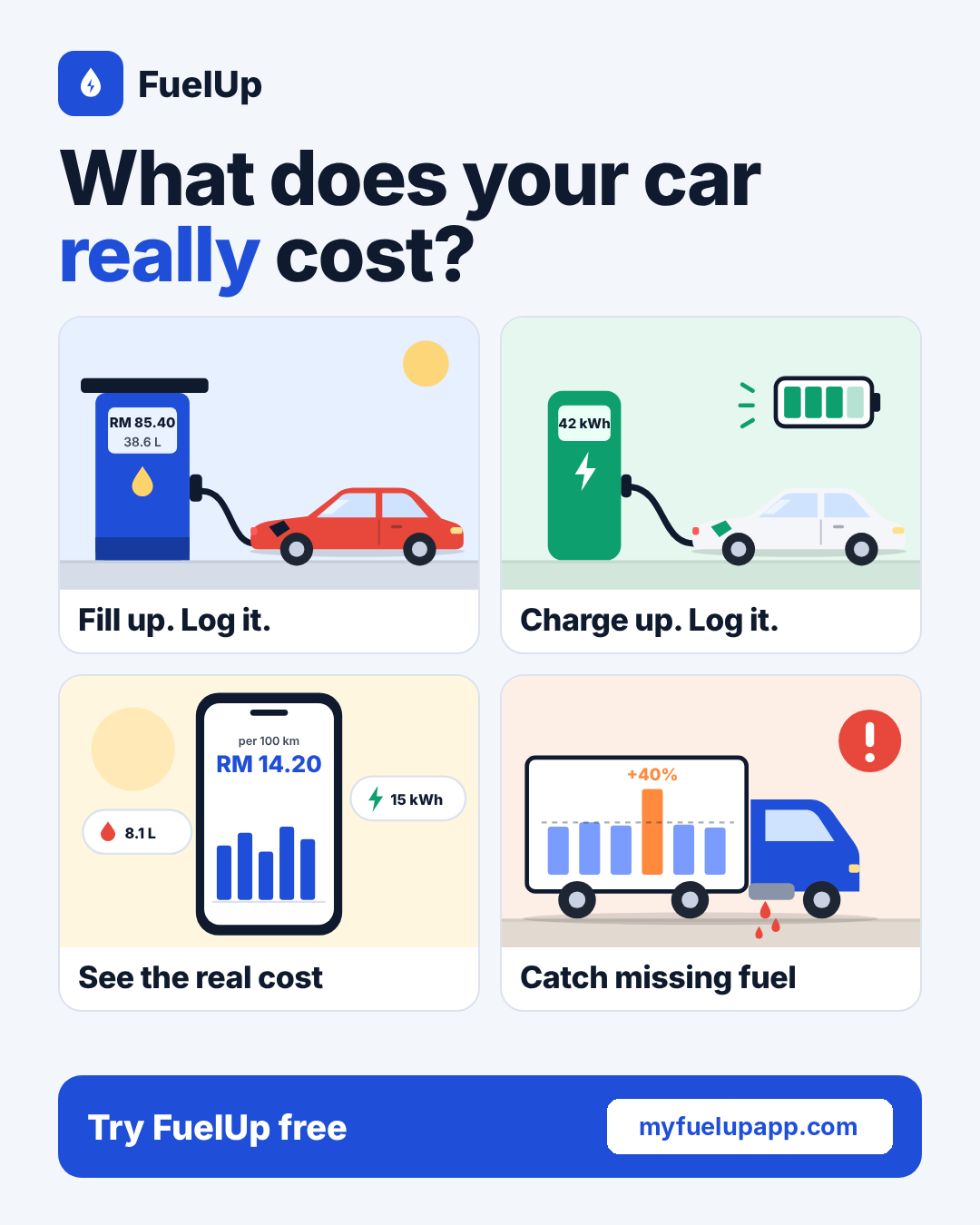
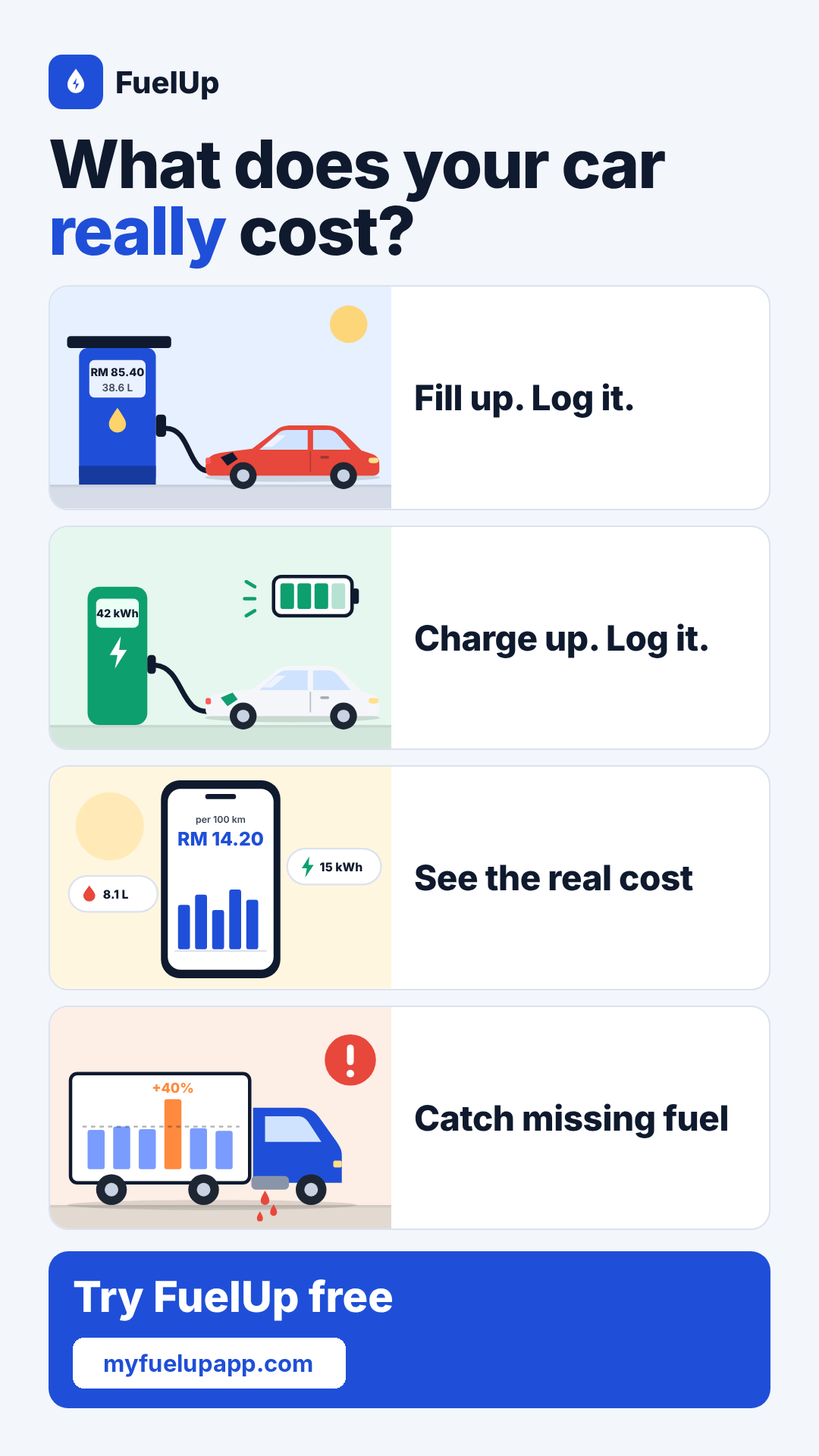
FuelUp turns every fill-up and charge into what your car really costs per km. Any car, any fuel, the whole family or fleet. Tap a picture to see more.
⛽ Any fuel type🚗 Many cars🔧 Maintenance📆 Monthly recap📶 Works offline📱 iPhone, Android, computer🚫 No ads
More about FuelUp
Use case: company fleet
Spot fuel that goes missing
Every fill-up is saved with the odometer, the litres and the account that logged it. When a lorry suddenly needs 40% more fuel per 100 km, it stands out on the chart straight away.
That can point to fuel being siphoned or put into another vehicle, a fuel card being misused, a leak, or a vehicle that needs servicing. You can go straight to the fill-up in question and ask about it.
FamiliesSee which car is cheaper to run and what the school run really costs.
Plug-in hybrids and EVsPetrol and electricity counted together. Compare home and public charging costs.
Company fleetsCompare vehicles, budget fuel and keep service records in one place.
E-hailing and deliveryKnow your true cost per km to set fares and keep records for claims.
Only this name, your car and your score are shown. No emails or number plates.
Add FuelUp to your Home Screen
About you
A quick one-time question. It helps compare real-world fuel use across age groups and countries.
Privacy notice
One login. Many fleets.
Each person can belong to any number of households and companies, with a different role in each. A household and a company work the same way; only the label differs.
Example: Ali
AAli one email, one password
HouseholdLim familyMaster adminHe started it. Adds cars, invites family, picks the admins.
CompanyAli TradingMaster adminHis own business fleet. Owners can run several.
CompanyABC Sdn BhdAdminHis employer. Manages cars and users, not other admins.
HouseholdMum's householdUserLogs fuel when he drives Mum's car. No Admin tab here.
The switcher at the top of the app moves Ali between them. Each one has its own cars, entries and admins.
What each role can do
In that household or company
Master admin
Admin
User
Log fuel, charging and maintenance
Yes
Yes
Yes
Edit or delete own entries
Yes
Yes
Yes
Edit anyone's entries
Yes
Yes
No
Add, edit and archive cars
Yes
Yes
No
Invite and deactivate users
Yes
Yes
No
Make or remove admins
Yes
No
No
Rename, change household / company
Yes
No
No
Hand the master role to an admin
Yes
No
No
Good to know
Switch at the top. One menu lists every household and company you belong to.
Data stays separate. Cars and entries never mix between groups. Being removed from one doesn't affect the others.
One "About you". Your age, sex and country belong to you. Admins of each of your groups can see them.
Start more any time. Anyone can create new households or companies (up to 20) and be master of all of them.
Scan with your phone camera
It opens FuelUp, ready to sign up.
Tell a friend about FuelUp
Send the link with this picture. It shows up as a preview card in WhatsApp, Telegram and Facebook.
For someone next to you: they scan your screen with their camera.
You are offline.Everything you log is saved on this device. Cloud features resume when you are back online.
FuelUpReal-world fuel + electricity consumption
Log a fuel-up
Log a charge
Log maintenance
Add to Home Screen
Put FuelUp on your phone's Home Screen so it opens full screen like an app, even with no signal.
Button not working? Do it by hand
My cars
Vehicle and tariff
Vehicle type, battery size and charging efficiency belong to the active car. Currency and home tariff are shared by all cars.
Dashboard
Tips emails
Connect your AI
Let your own AI chat (Claude, ChatGPT and others that take connectors) log fill-ups and charges for you. Send it a photo of a pump receipt or a charging screenshot. It reads the details, asks you for anything missing, and saves the entry here once you confirm. You can also ask it about your entries (for example, how much you spent on fuel last month). It only sees your own cars and the households shared with you, and it can only read and add fill-ups and charges, never change or delete anything.
Keep this link private, like a password: anyone who has it can add entries to your cars. It is shown only now. If you lose it, just make a new one.
How to add it to your AI
Claude (claude.ai or the Claude app): Settings › Connectors › Add custom connector. Name: FuelUp. Paste your link as the address. Add.
ChatGPT: Settings › Apps & Connectors › Advanced settings, turn on Developer mode. Then Create, name it FuelUp, paste your link, choose No authentication, and tick that you trust it.
Other AI apps: add a custom MCP connector (also called a remote MCP server) with your link.
Then in a new chat, attach the photo and say: Log this in FuelUp. Tell it your odometer reading when it asks.
Share with Family ERP
Show your cars' running costs in the Family ERP (erp.mytradelog.win). The link lets the ERP read only the monthly totals for fuel, charging and maintenance of the cars where you are the driver (set the driver in each car's details), plus any family car in your household, whose running costs the family shares. Your Family ERP accounts then show under "Paid from" when you log, and an entry you mark as paid from one of them is added to that account in the Family ERP. It also sees each fill-up, charge and service of those cars (date, amount, litres or kWh, odometer, the note and who logged it), so your family can see them on the car's page in the Family ERP. When you add a car or motorbike as an asset in the Family ERP, it is added here too, in your own household with you as the admin (or linked to the same car if it is already here); the link never changes or deletes a car or an entry. It is separate from your AI link.
Keep this link private: anyone who has it can see your cars' monthly costs. It is shown only now. If you lose it, just make a new one.
Then in the Family ERP, open More › Connected apps and paste the link once.
Something not working?
Tell us what happened. Your report goes straight to the FuelUp team.
Getting started guide
The step-by-step guide for new users: in the Admin tab for admins, on the Dashboard for everyone else.
Sync between devices
Checking…
Sign in with your FuelUp account on each phone, tablet or car screen to see the same cars and entries. If the same entry is edited on two devices, the later edit wins.
Backup and restore
Your entries are saved on this device and in your FuelUp account, so they are safe if you change or lose your phone. A backup is an extra copy for your own records: tap Show, then Copy and paste it into an email or note to yourself.
Clear fuel and charging entries
Report a problem
The app saves any problems it detects here. When you tap Report a problem while signed in, your report is sent straight to the developer, along with your device details and recent detected problems. Your fuel, charging and maintenance entries are never included.